Branded storefront
Every vendor gets a shareable link on your platform subdomain. Customers browse, order, or book without leaving your brand.
Drop the link in your WhatsApp status, Instagram bio, or Google Business profile.
Vendor panel
Jarra HQ gives food vendors, shops, and service businesses one calm workspace for storefronts, orders, bookings, payments, and growth.
Storefront
Pick a template, add your products or services, and share one link customers can order or book from.
Every vendor gets a shareable link on your platform subdomain. Customers browse, order, or book without leaving your brand.
Drop the link in your WhatsApp status, Instagram bio, or Google Business profile.
Edit homepage sections, hero copy, featured products, testimonials, and CTAs from a visual editor with live preview.
Refresh your homepage for a promo weekend without touching code.
Control logo, colours, business hours, tax, packaging fees, pickup and delivery rules, and publish status from one settings hub.
Close early for a holiday, update VAT, or toggle delivery off in seconds.
Connect your own domain with DNS verification so customers see yourbrand.com instead of a subdomain.
Look established on business cards and packaging with a domain you already own.
Create named delivery areas with fees and ETA labels shown at checkout.
Charge more for Lekki deliveries and less for nearby neighbourhoods automatically.
Orders & sales
Online orders, kitchen flow, and in-person sales stay in sync so stock and revenue never drift apart.
View, filter, and search orders by status or customer. Update food prep stages or shipping details from one list.
Mark an order preparing, ready, or out for delivery as the kitchen moves.
A large-type display for food businesses showing incoming orders with live updates for the back of house.
Mount a tablet in the kitchen so cooks see new tickets without checking phones.
Log walk-in and counter sales with payment method and items sold. Stock deducts automatically.
Record a cash sale at the counter and keep online inventory accurate.
Download order history as CSV for accounting, reconciliation, or your own reports.
Send last month's orders to your accountant in one file.
Create percentage or fixed-amount codes with minimum order, usage limits, and expiry dates.
Run a WELCOME10 campaign for first-time shoppers on your catalogue store.
Catalog & inventory
Whether you sell jollof plates or boutique dresses, your catalogue and inventory live in the same dashboard.
Organise categories and menu items with photos, prices, variants, prep time, and sold-out toggles.
Mark Ofada rice sold out for the day with one tap.
Manage products with variants, compare-at pricing, collections, featured flags, and bulk publish actions.
Launch a new collection and feature three hero products on the homepage.
Track stock per item, adjust for restocks or waste, and review a full movement history.
Restock pepper sauce after a busy weekend and see exactly what moved.
Update opening quantities for multiple items at once at the start of a trading day.
Set morning stock levels before the lunch rush in one pass.
Dashboard warnings when tracked items fall below safe levels so you reorder before you run out.
Get a heads-up that packaging bags are almost gone before Friday orders pile up.
Bookings & services
Salons, studios, and service pros get a booking flow built for deposits, walk-ins, and calendar management.
Customers pick a service, choose an open slot, and pay a deposit or full amount from your storefront.
Let clients book a braiding slot at 9pm without a back-and-forth WhatsApp chat.
See day and week views of upcoming appointments with quick access to each booking.
Plan staff breaks around a full Saturday calendar at a glance.
Log walk-in clients or create appointments on behalf of customers from the vendor panel.
Add a client who walked in off the street while keeping the calendar complete.
Define services with duration, buffer time, pricing, gallery images, and online payment rules.
Add a new deluxe package with a 90-minute slot and deposit requirement.
Collect deposits via Paystack, confirm bank transfers, and collect remaining balances after service.
Secure a ₦5,000 deposit upfront and collect the balance when the client arrives.
Payments & money
Paystack checkout, bank transfers, payouts, and private expense tracking in one money section.
Accept cards, bank transfers, and USSD on orders and bookings. Funds route through Paystack splits.
Let customers pay online instead of sending screenshots to your DM.
Customers can pay to your business account; you confirm receipt from the order or booking screen.
Verify a transfer and mark the order paid without leaving the dashboard.
Read-only list of every payment tied to orders or bookings with amounts and statuses.
Trace a customer complaint back to the exact payment record.
Request full or partial refunds from the vendor panel for platform admin processing.
Initiate a refund when an order was cancelled after payment cleared.
See settlement balance, platform fees, and payout batches linked from your subscription area.
Check what landed in your bank after last week's sales.
Log business expenses with categories, dates, and suppliers separate from customer revenue.
Record ingredient runs and packaging costs to see true margins in analytics.
AI & chat
A storefront chatbot trained on your live menu or catalogue, with a vendor inbox when you want to take over.
Customer-facing chat widget on your storefront answers questions about items, prices, and availability.
Stop answering "how much is the jollof?" ten times a day.
Browse recent customer chats and open any thread to read the full transcript.
Review what the bot told a customer before you call them back.
Pause the bot on any conversation and reply manually, then hand control back to AI.
Step in when a customer asks for a custom catering quote.
See AI message counts and spend against your plan ceiling from chatbot settings and subscription.
Know when you are approaching your monthly AI limit before customers hit a wall.
Analytics & customers
Revenue trends, customer segments, and profitability views without exporting to a spreadsheet first.
Track gross revenue, order volume, average order value, expenses, net profit, and margin over 7, 30, or 90 days.
Compare this month to last month before deciding to run a promo.
See how much revenue came from online orders versus offline sales logged in the panel.
Learn whether your Instagram link or walk-in counter drives more revenue.
Auto-built customer list from order and booking phone numbers with repeat, new, and lapsed segments.
Spot regulars who have not ordered in 30 days and reach out personally.
Download your customer list as CSV for SMS campaigns or external tools.
Export numbers for a bulk WhatsApp broadcast you run yourself.
Operations
Notifications, verification, and a vendor console that works on desktop and mobile.
In-app alerts for new orders, bookings, and platform updates with read and unread filters.
Clear yesterday's alerts and focus on what came in this morning.
Browser push notifications and an installable vendor PWA so new orders ping your phone.
Get alerted on your phone when a delivery order comes in during service.
Upload business documents for platform review before your storefront goes fully public.
Submit your CAC and ID once, then publish with confidence.
Switch between templates like Fresh, Gusto, Feed, and lane-specific layouts without rebuilding.
Try a cleaner shop layout before a product launch weekend.
View your plan, trial status, usage meters, and upgrade via Paystack from the vendor panel.
Move from trial to Pro when orders start coming in daily.
Vendor story
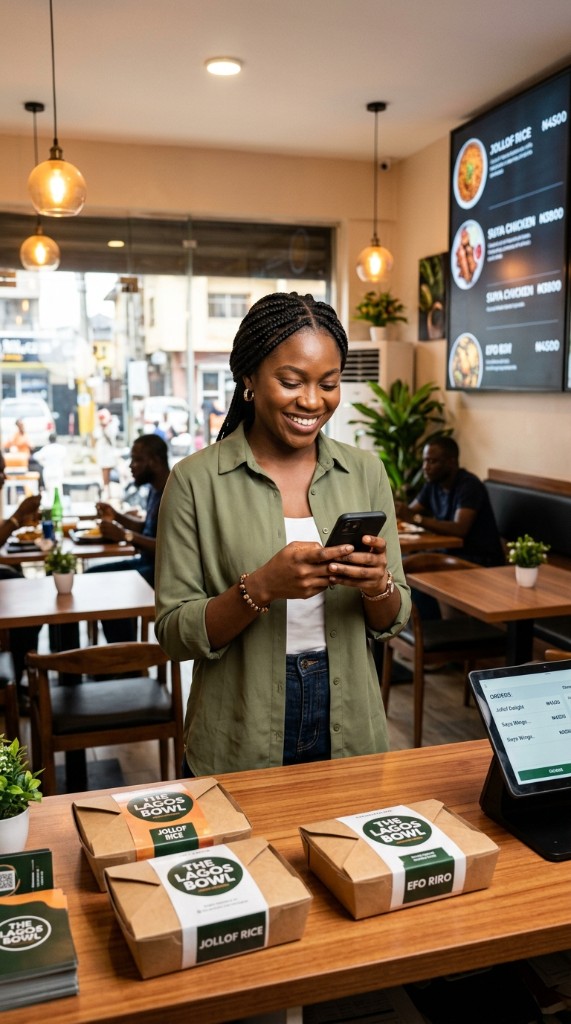
The Lagos Bowl serves jollof, efo riro, and suya chicken from a busy Lagos restaurant. Before going digital, the team juggled WhatsApp requests, paper tickets, and a separate POS. Now online orders, kitchen queue, and Paystack checkout live in one dashboard.
“I used to lose orders in my chat list. Now customers pick from the menu, pay online, and I see everything in one place before the lunch rush.”